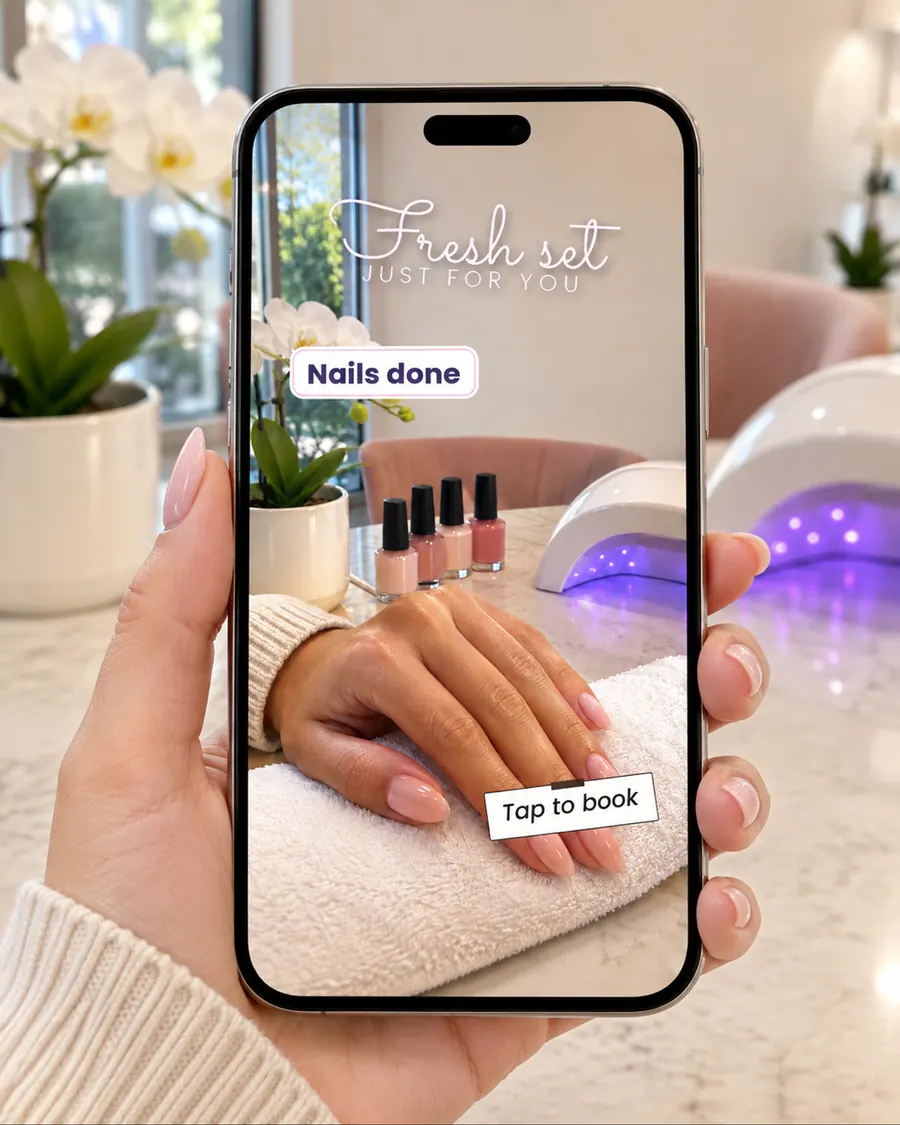
Stop the scroll and make your stories look like a designer made them. Ready-made stickers for your business and your everyday: tap, copy, paste, post.


A lightweight app that opens right on your phone. No app store, no storage space, no learning curve.


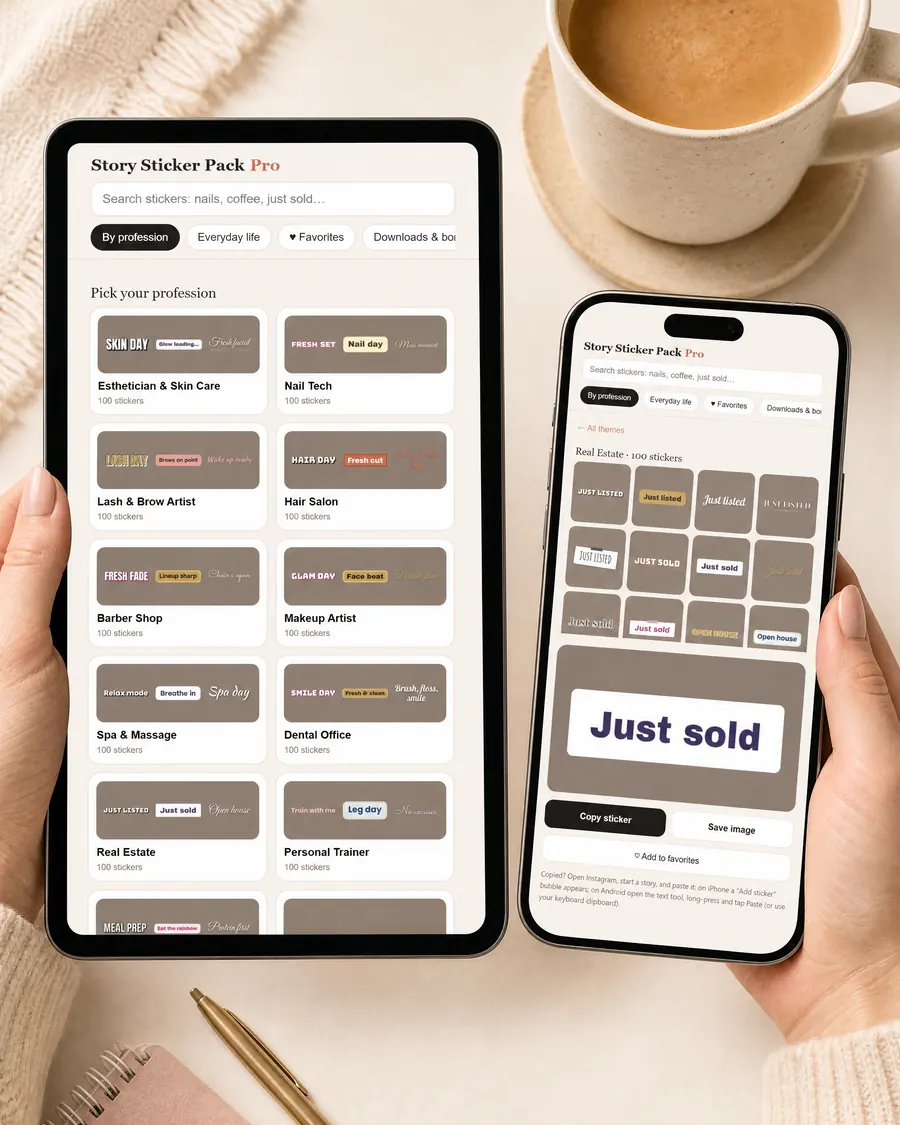
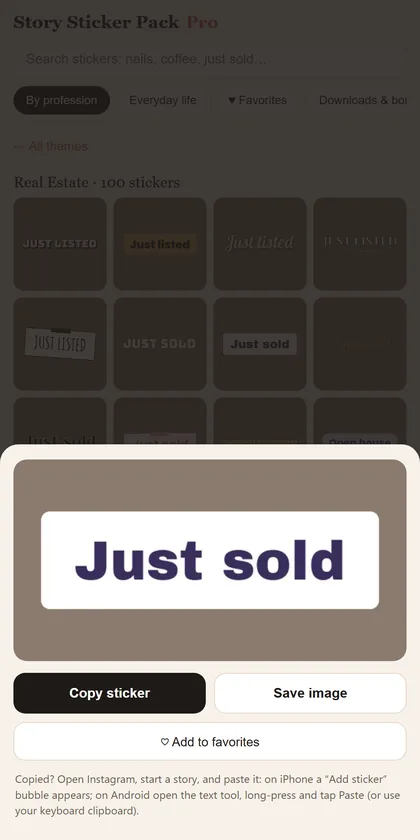
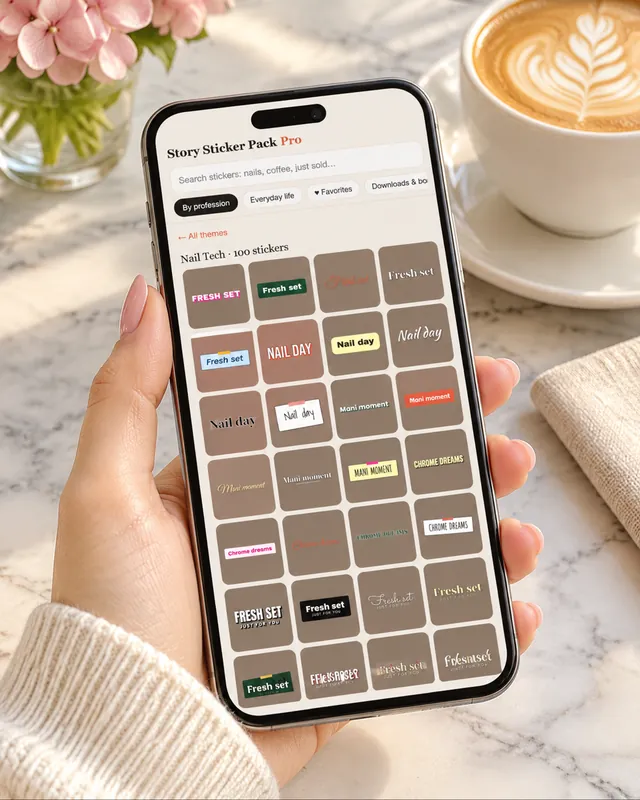
Tap a sticker and paste it into your story.
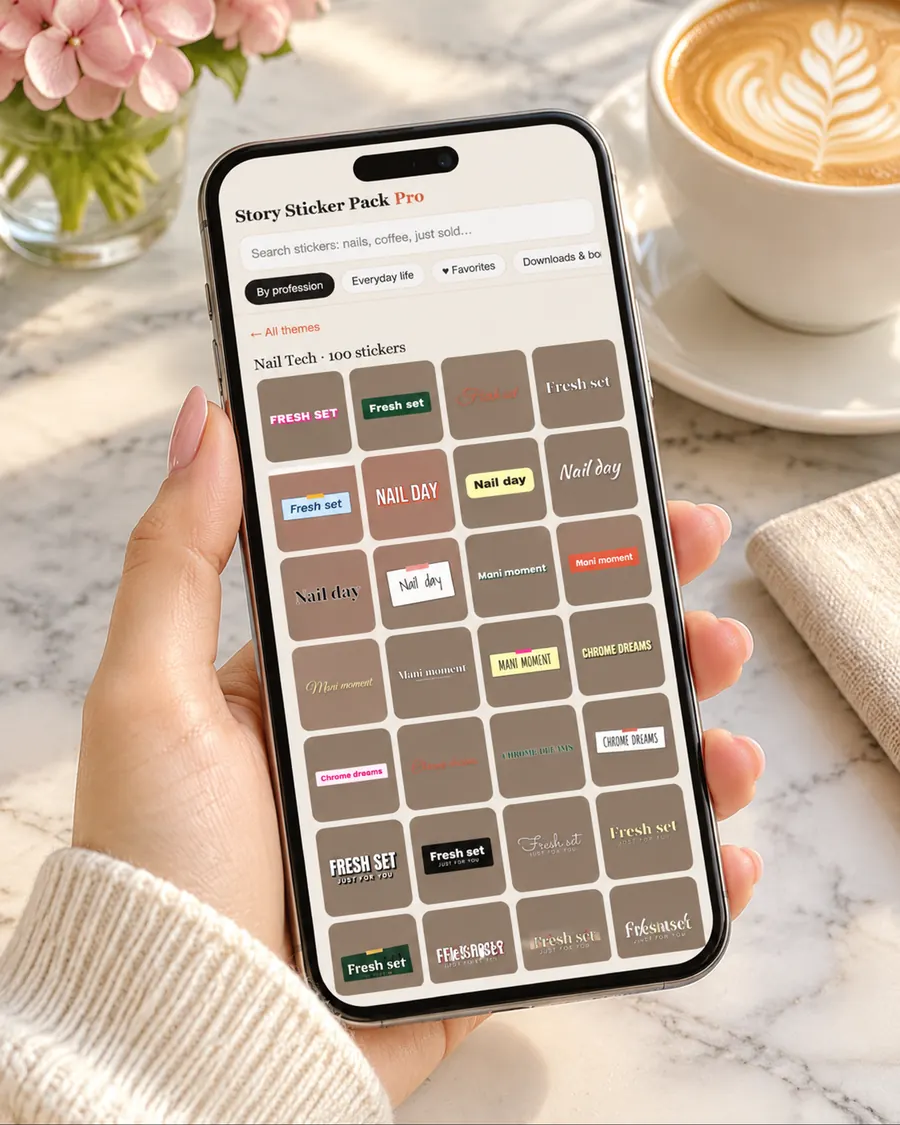
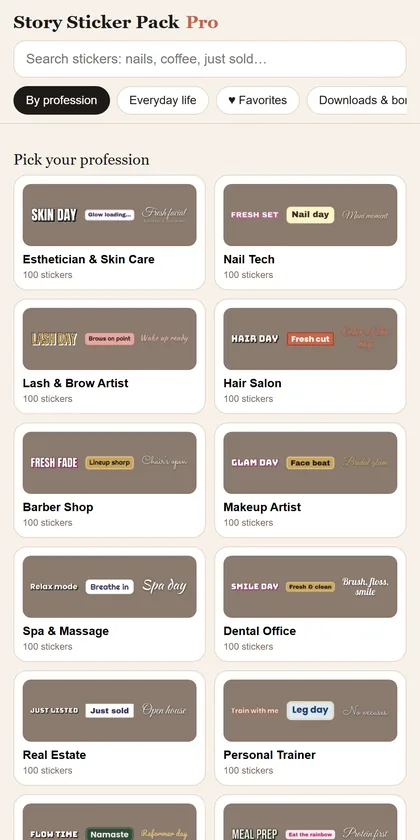
Find your profession, plus themes for everyday moments.
Type “just sold” or “coffee” and save the ones you use most.
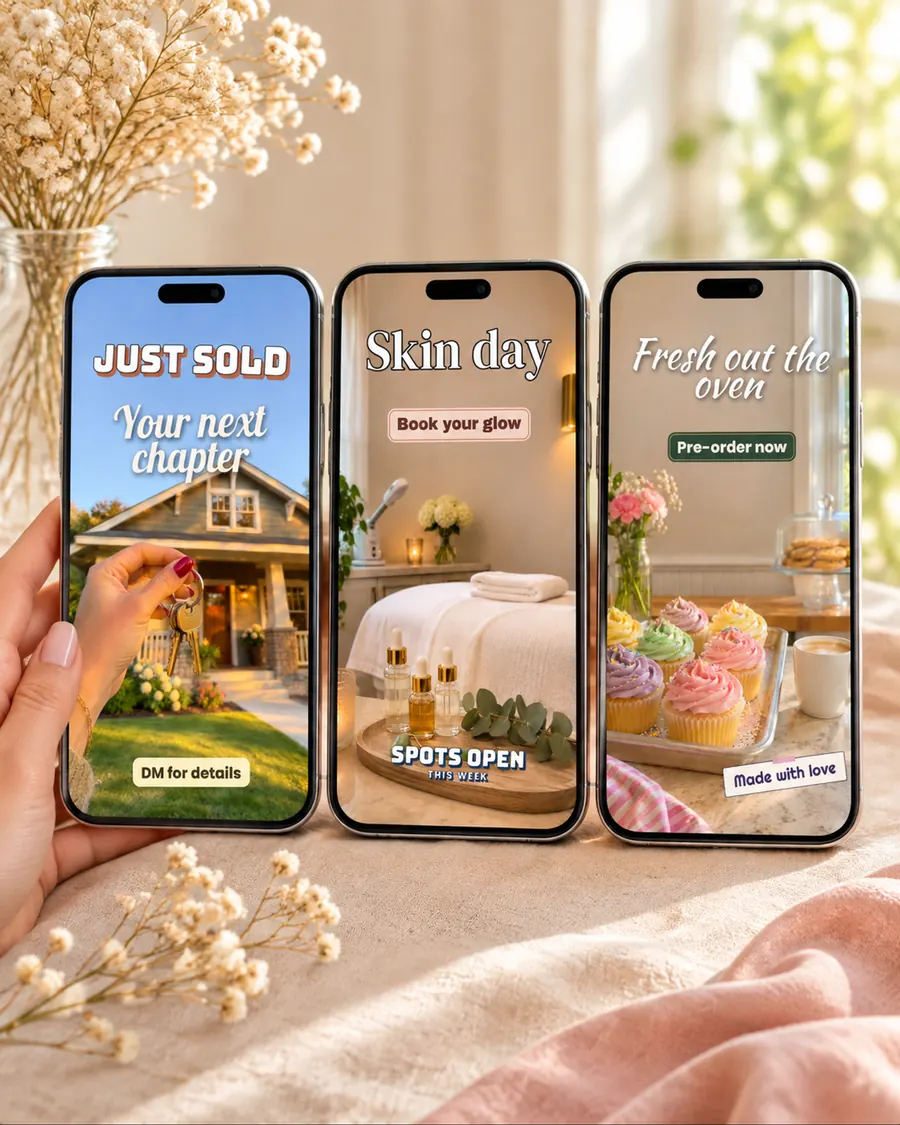
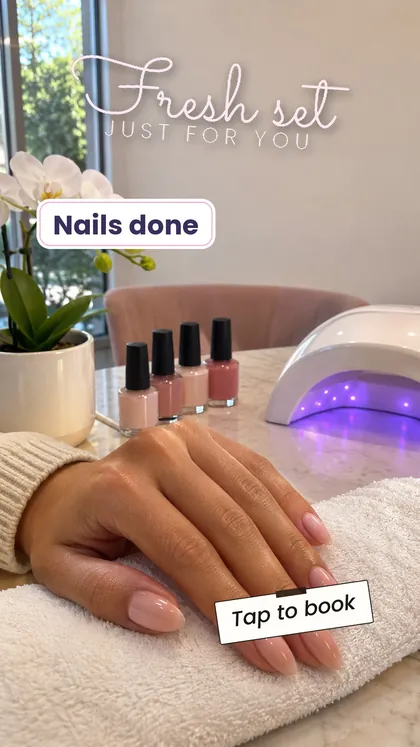
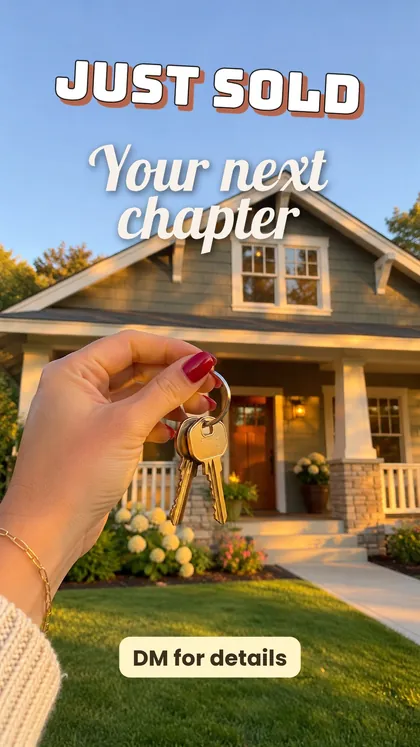
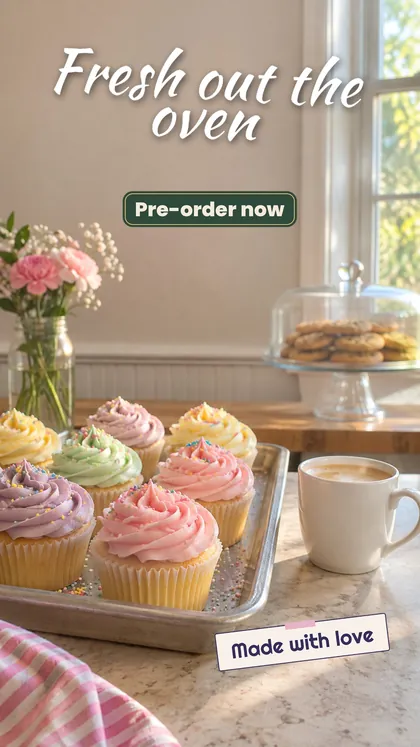
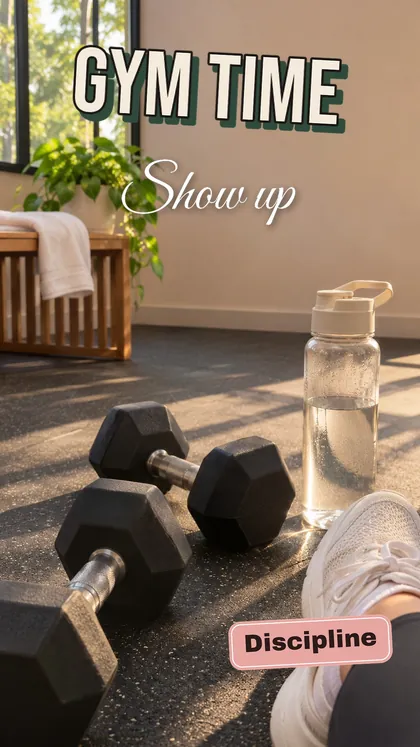
Example stories made with stickers from the pack.


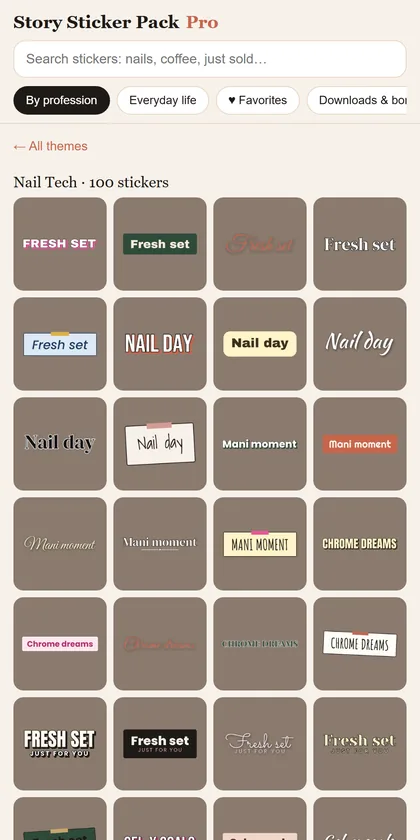
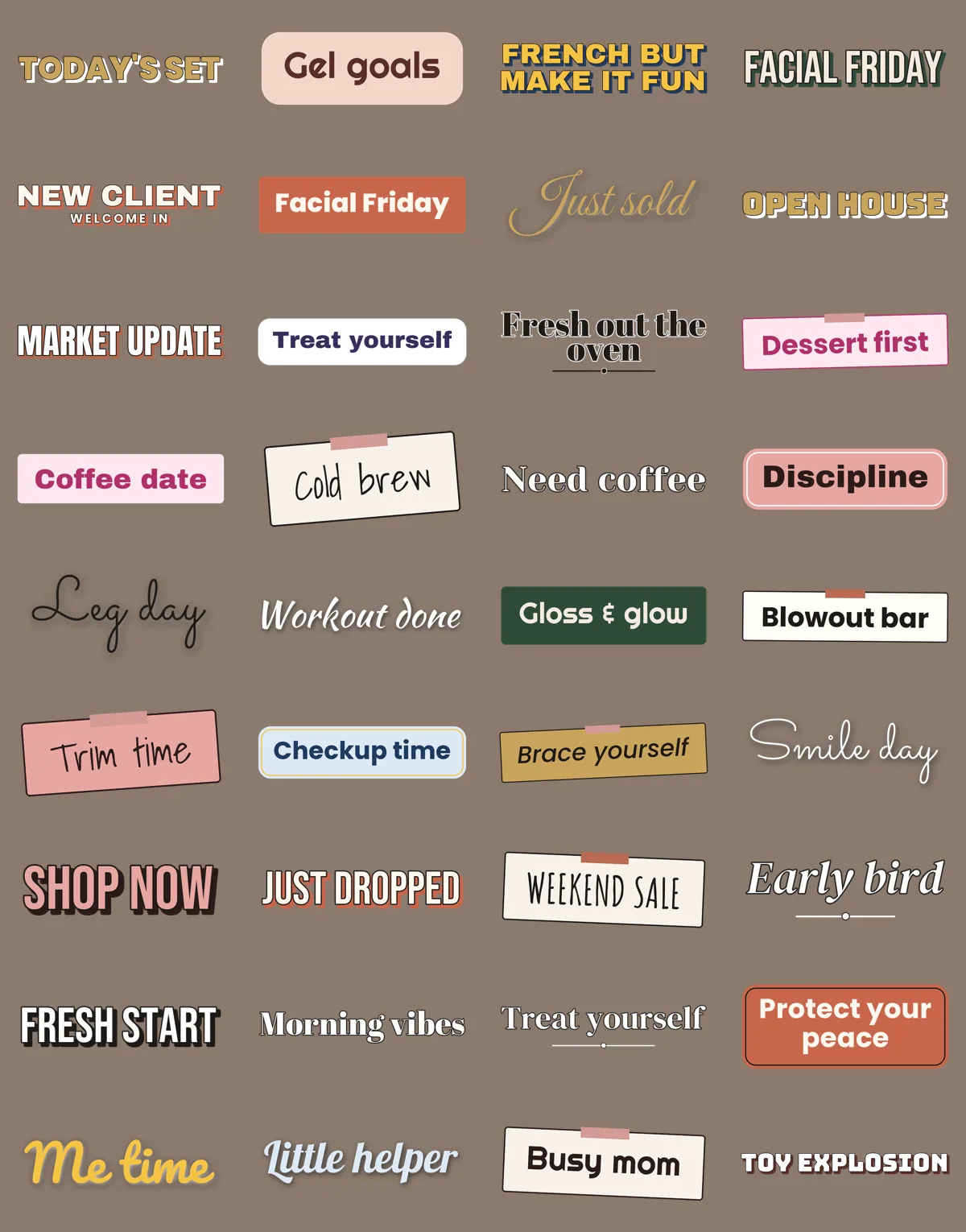
A small sample of the 6,000+ stickers.

Stories that stop the thumb instead of getting skipped.
A look people remember and connect with you.
Content good enough that clients repost it.
Hundreds of options for every day of the week.
“Spots open”, “Tap to book”, “DM for details”: a clear next step in every story.
After checkout you get an email with your private link. Add the app to your home screen in two taps.
Choose your profession or a moment, or search for a word. Tap “Copy sticker”.
Open Instagram, start a story, paste. Resize, place, post. That's it.

61 themes: 20 professions plus everyday moments. Open the app on your phone, tap a sticker to copy it, paste it into your story. Every theme also comes as a ZIP of transparent PNG files.

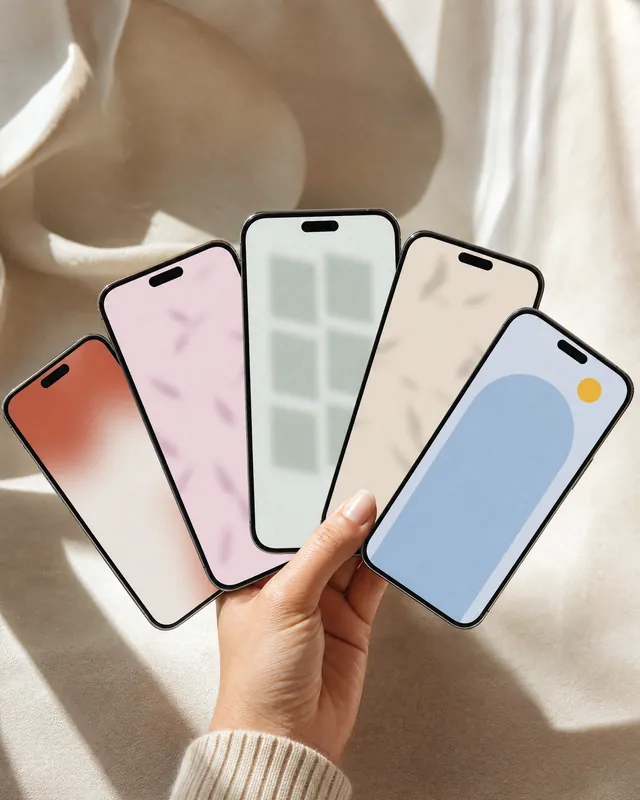
Soft gradients, blurred color, window shadows, arches, grids and dots, ready to post behind your text.

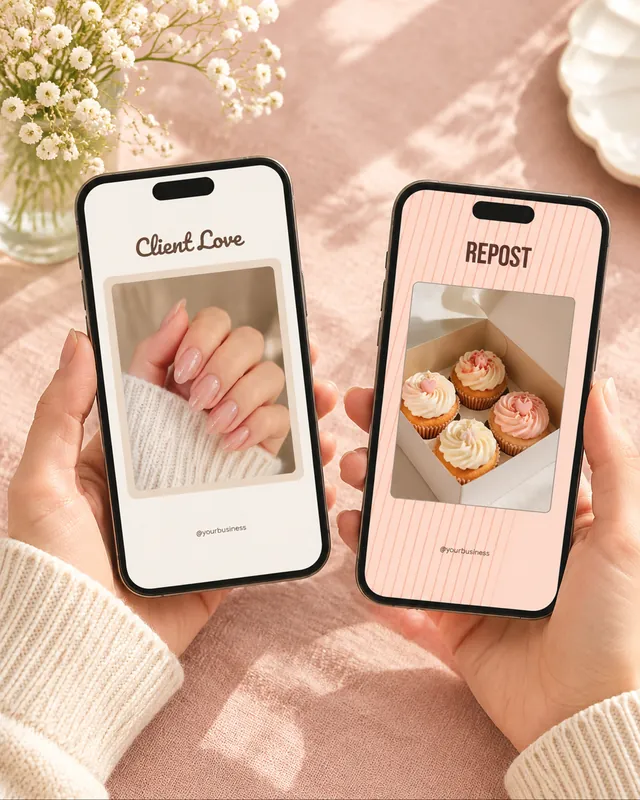
Frames with a transparent window to repost client messages, tags and results: Client Love, Repost, Thank You, New Review.

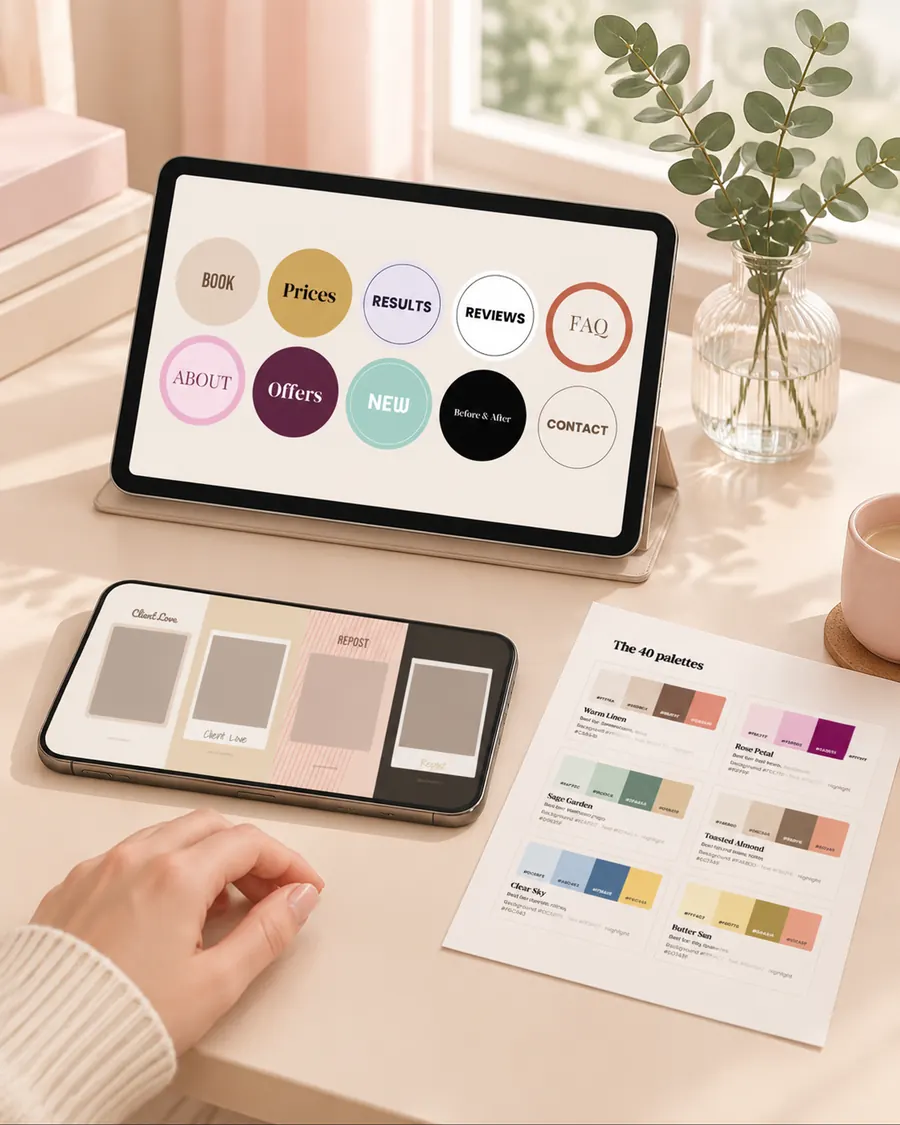
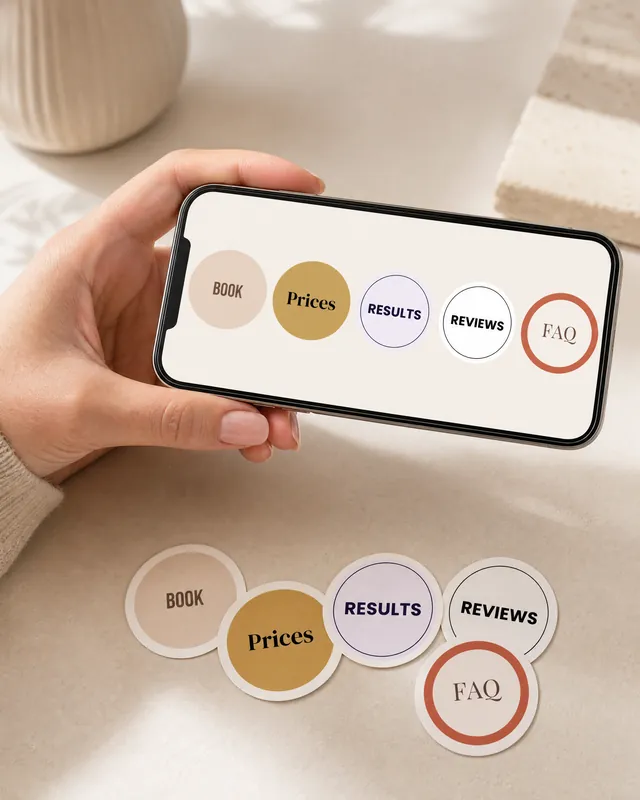
Book, Prices, Results, Reviews, FAQ and more, in five styles, so your profile looks put together.

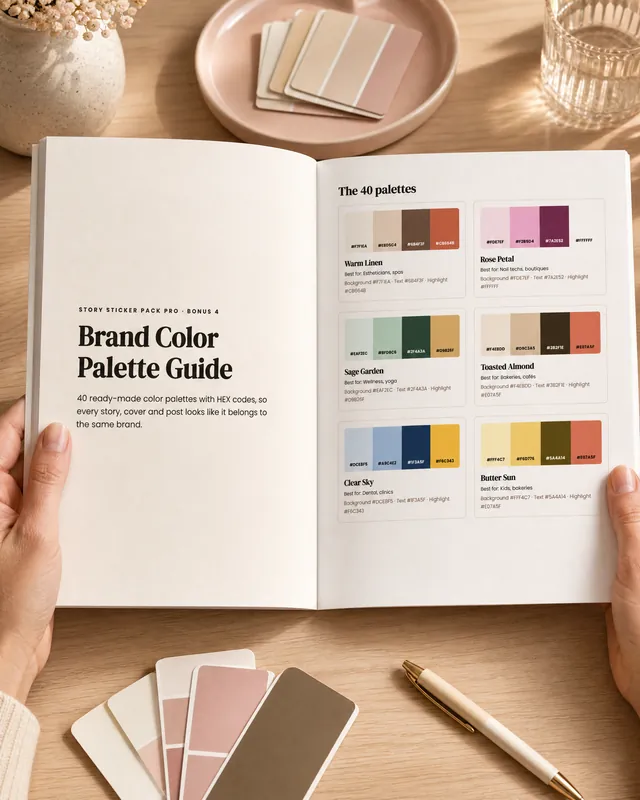
40 palettes with HEX codes and how to use them in Instagram and Canva, so every story looks like the same brand.

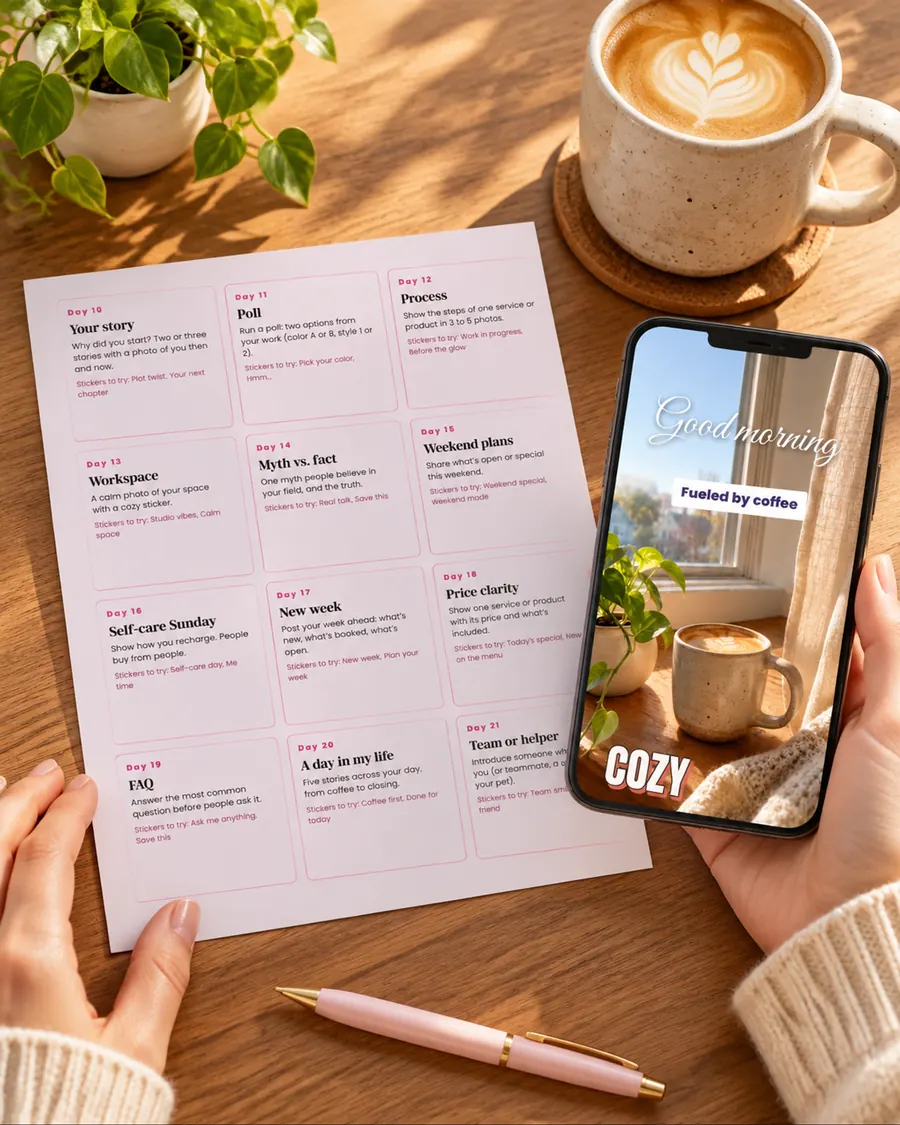
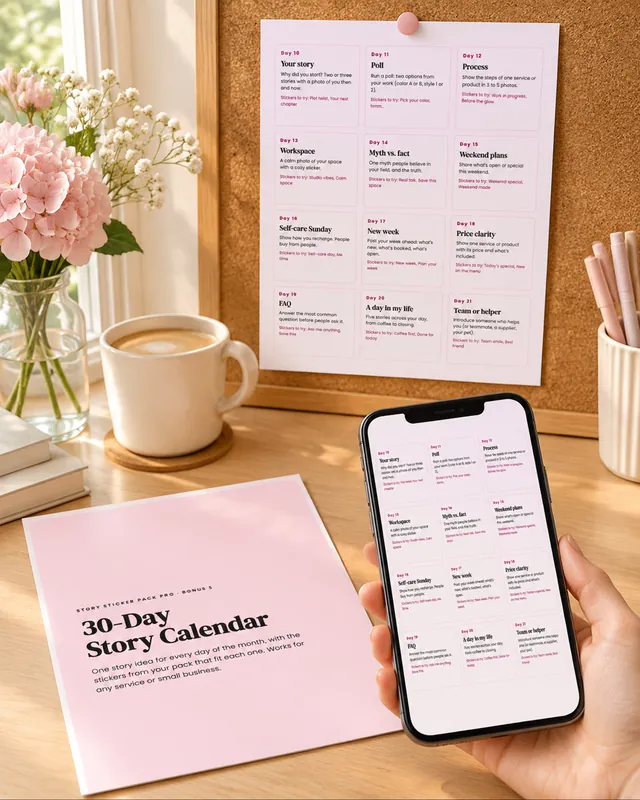
One story idea for every day of the month, with the stickers that fit each one.
By email, right after checkout: one private link with the sticker app, every theme as a ZIP and your five bonuses. Nothing is shipped.
One payment · Yours to keep
Right after checkout you get an email with your private link. It opens the sticker app in your phone's browser and has every download.
Yes. Tap a sticker, tap “Copy sticker” and paste it into your Instagram story. On iPhone an “Add sticker” bubble appears; on Android you paste it from the text tool or your keyboard clipboard. You can also save any sticker as an image.
No. The sticker app opens in your browser and you can add it to your home screen in two taps. Every theme also comes as a ZIP of full-size transparent PNG files.
It's yours to keep: one payment, no subscription.
Yes. Use them in the stories, posts and reels of your own business or personal account. You can't resell or share the files themselves.
Yes. Checkout is processed by a secure payment provider; we never see your card details.
No. That's the point: the stickers are already designed. Copy, paste, post.
You're covered by a 30-day money-back guarantee. Write to us and we'll refund you.